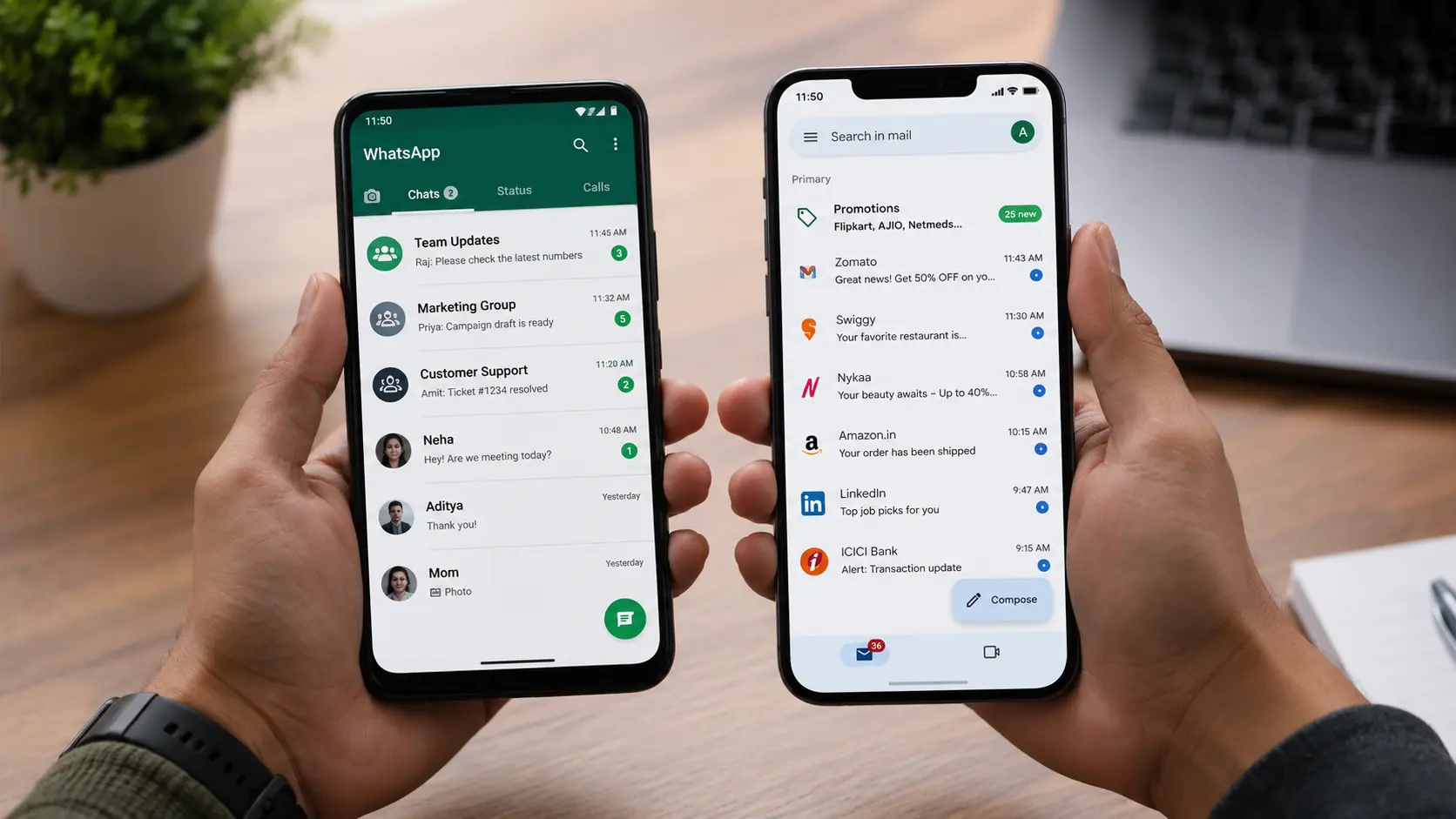
WhatsApp Business App vs WhatsApp Business API
The free WhatsApp Business App has a 256-contact broadcast limit, no automation, and no CRM integration. For any business running active marketing, the WhatsApp Business API is the correct option — unlimited broadcasts to opted-in contacts, automated flows, CRM integration, and multi-agent support.
What You Need Before Setting Up
Facebook Business Manager account (Meta Business Suite) with verified business details
A dedicated phone number — cannot be the same as your personal WhatsApp or existing Business App
A business website and email (Meta requires these for verification)
A registered business entity — GST or incorporation documents
A WhatsApp Business Solution Provider (BSP) account — WATI, Gupshup, Twixor, or Interakt
Step 1: Choose Your BSP Platform
WATI — Best for small to mid-size businesses. Good UI, affordable. Starts ~₹2,500/month.
Gupshup — Better for higher volume or custom integrations. More flexible API, steeper learning curve.
Twixor — Enterprise and multi-channel capability. For advanced automation needs.
Interakt — Shopify-native. Best for D2C e-commerce brands on Shopify.
Step 2: Meta Business Manager Verification
Go to business.facebook.com and create or verify your Business Manager account
Add your dedicated phone number in the WhatsApp Manager section
Complete business verification — upload required documents
Step 3: Create and Submit Message Templates
WhatsApp API only allows pre-approved templates for outbound messages. Templates must be submitted to Meta — typically 24–48 hours for approval. Categories: utility (order updates, reminders), authentication (OTPs), and marketing (promotional messages).
Step 4: Build Your First Automated Flow
Start simple: a 3-message cart recovery sequence or post-purchase follow-up flow
Set trigger: customer abandons cart → wait 1 hour → send Message 1
Message 1: Remind. Message 2 (24 hours): Add a reason. Message 3 (48 hours): Add urgency if appropriate.
Step 5: Grow Your Opt-In List
WhatsApp API only allows messaging opted-in contacts. Collect opt-ins at checkout, on your website, through Instagram DMs, and at physical touchpoints via QR code. Do not add people without consent — WhatsApp can block accounts for spam reports.
Eyelevel sets up and manages WhatsApp Business API
Ready to implement WhatsApp API for your business? We manage everything from Meta verification to automated flow setup and broadcast management.
Tags: